
Add photos, short videos, ingredients, allergens, and preparation time to each dish. Help guests understand what they are ordering.
Visual menus for restaurants, cafés & bars
Help guests discover your menu, visually.
Keep your printed menu and give guests a more visual way to explore — with photos, dish details, and translations, on any phone.
✓
Free to start
No credit card required
No credit card required
✓
No app for guests
Opens on any phone
Opens on any phone
✓
Quick to set up
Start from your existing menu
Start from your existing menu
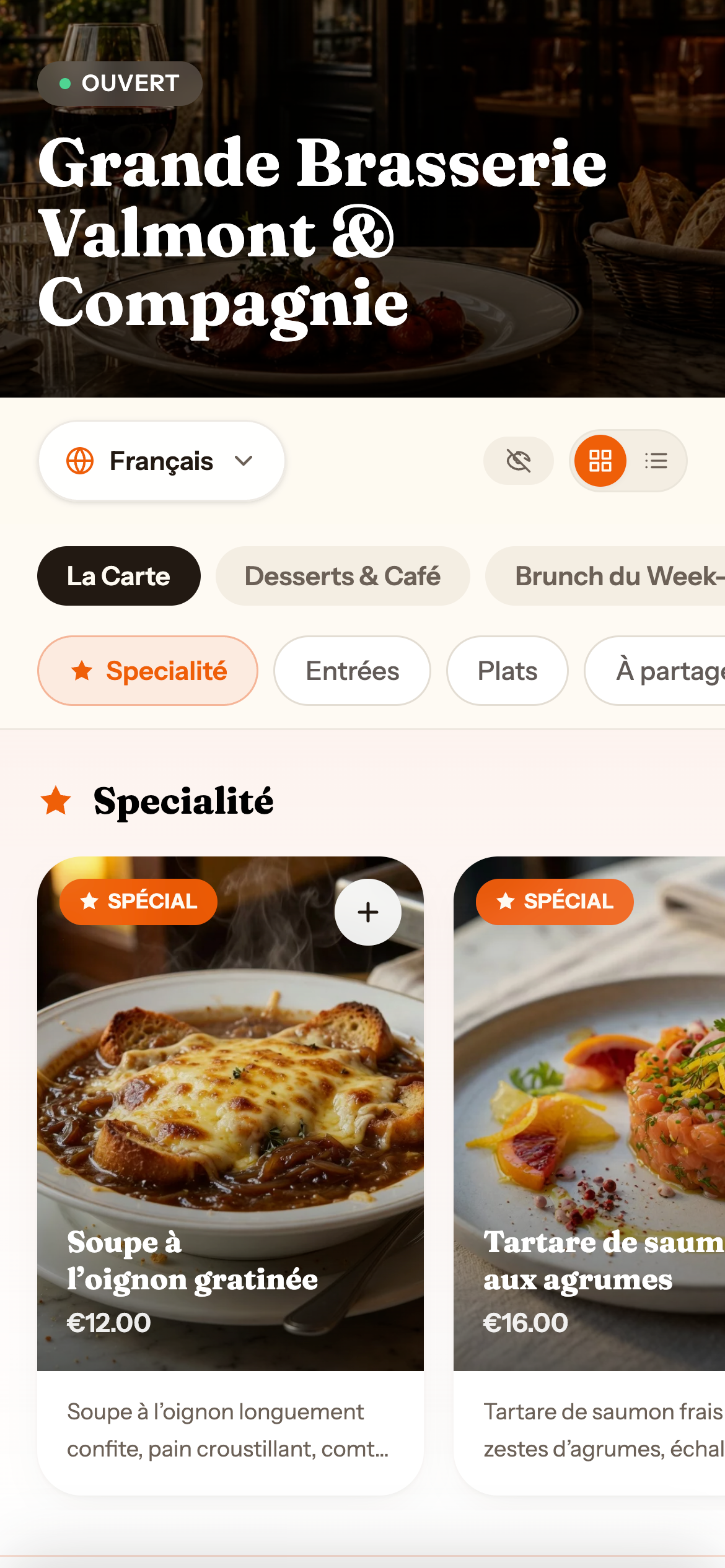
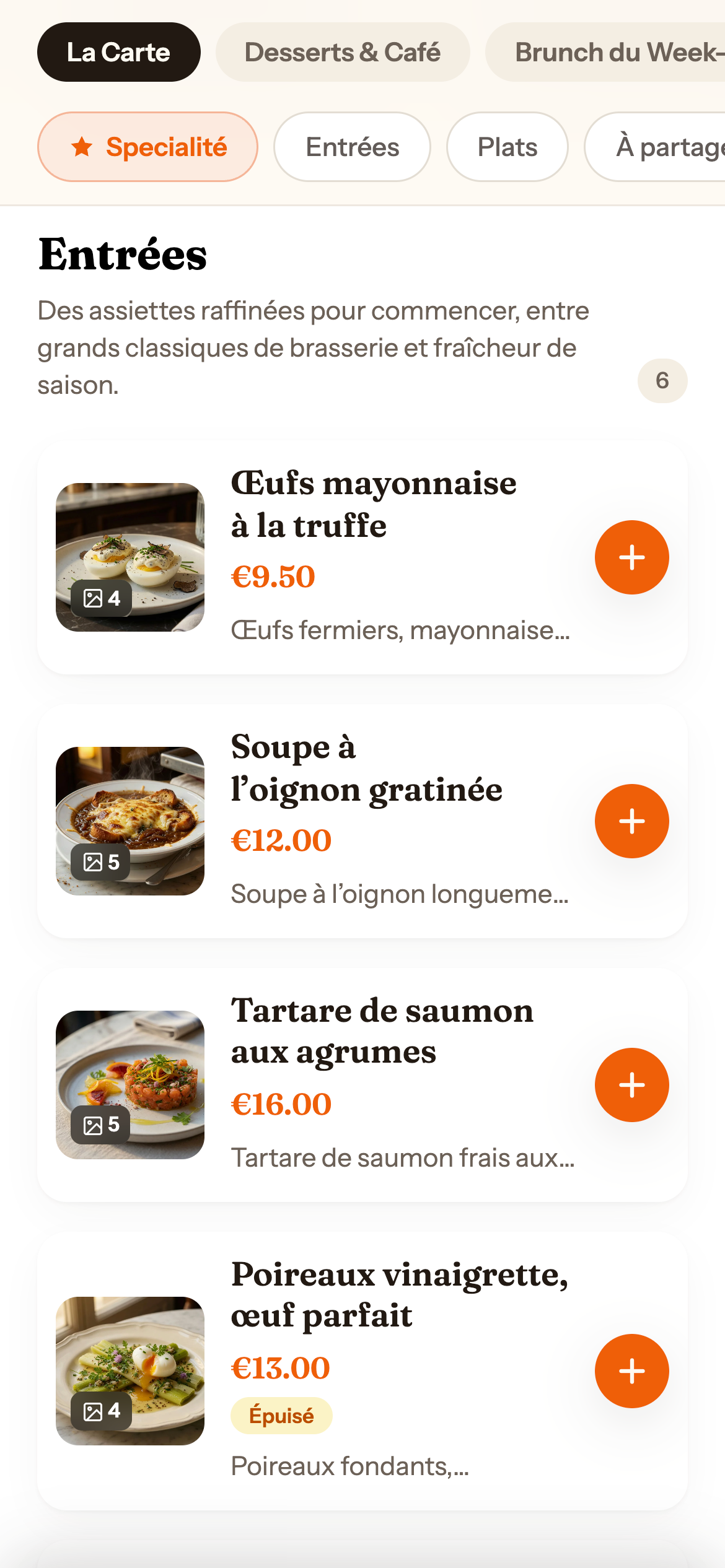
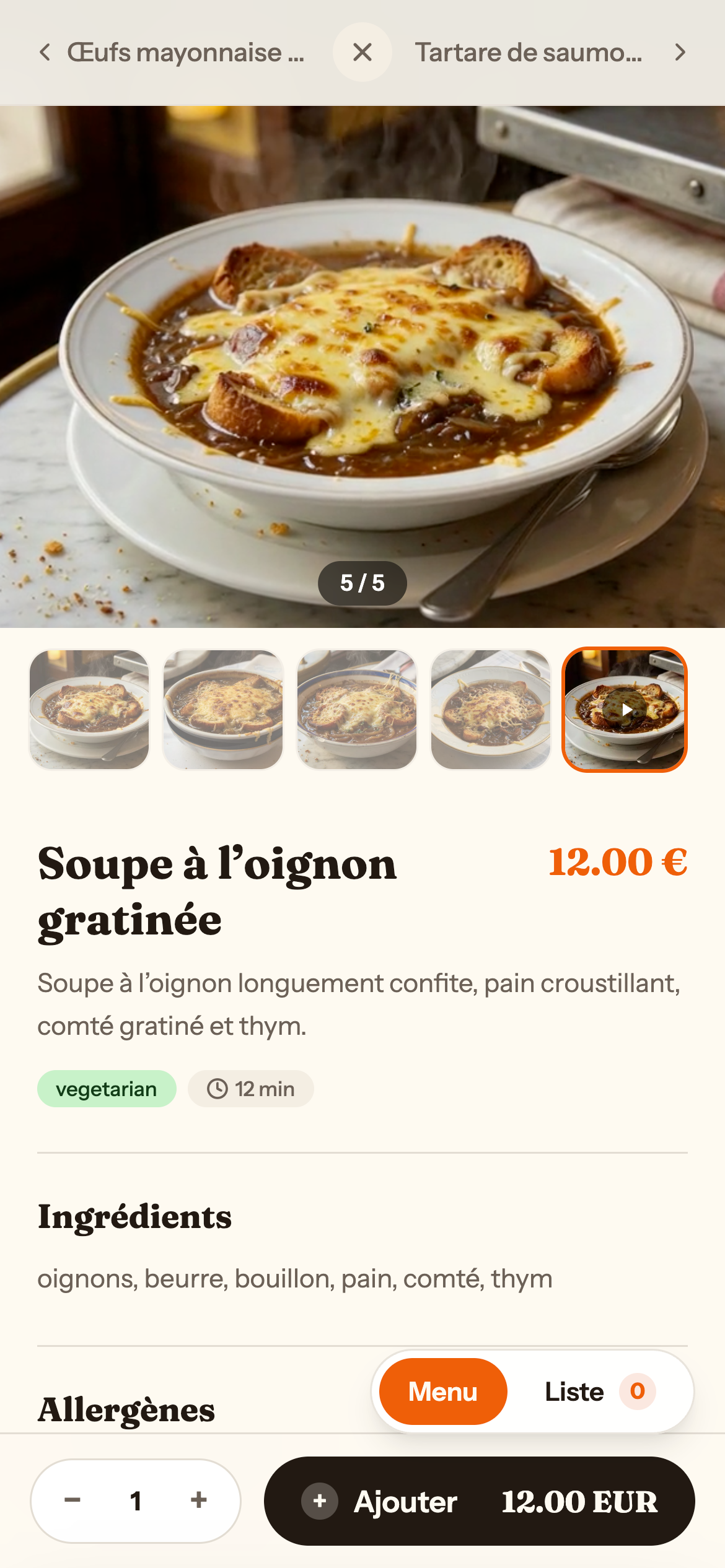
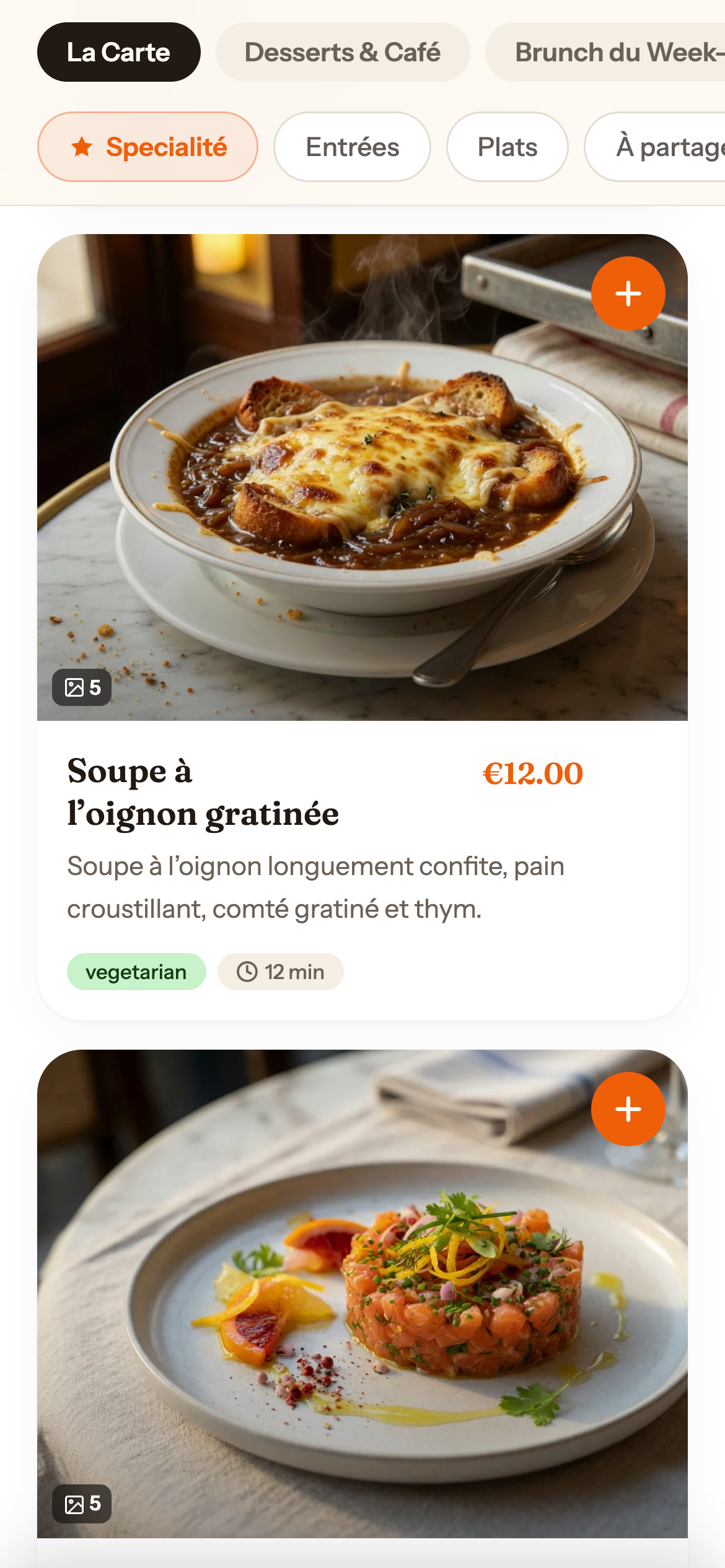
View demo →
A menu people can actually choose from.
Designed around the moment a guest opens the menu and wants to understand the food quickly — without asking every question.
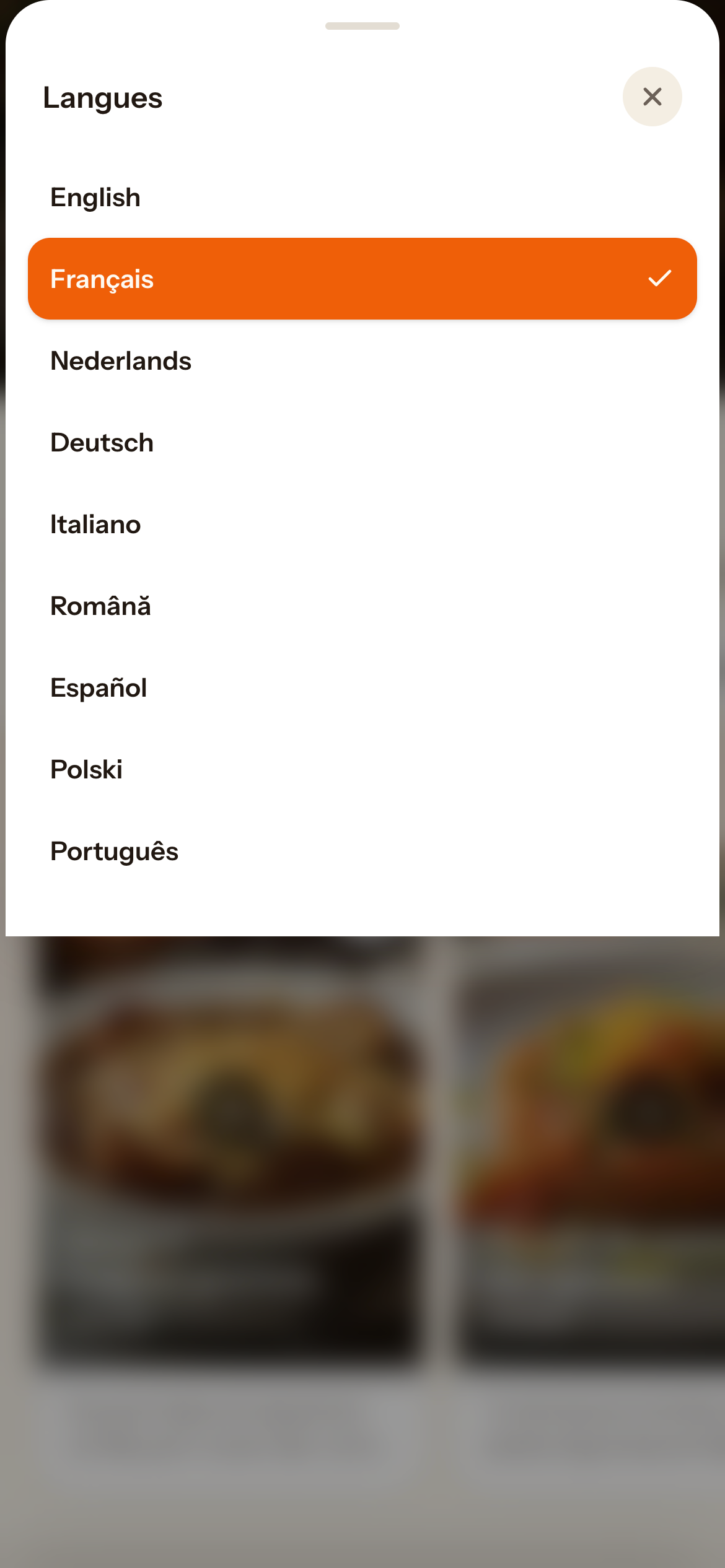
Offer your menu in multiple languages with assisted translations you can review and adjust. Helpful for tourists and international guests.
A simple link guests open on their phone — no app, no account. Works from a QR code on the table, a flyer, or a shared link.
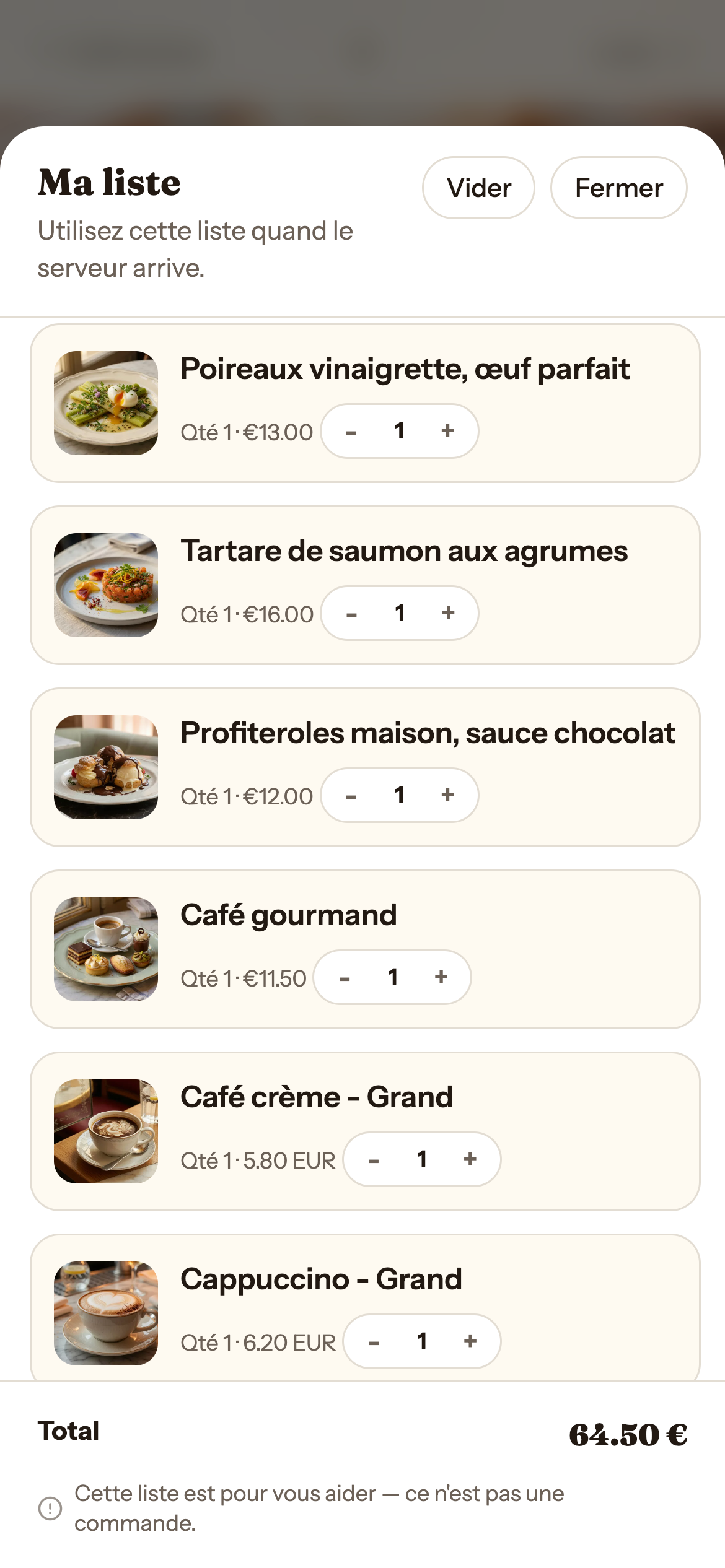
Guests can build a simple list with their choices, quantities, and options — and show it to the waiter when ready.
Start from your existing menu.
Upload or scan a photo of your current menu. We'll help you build the visual version, which you can review and adjust before publishing.
Take a photo of your printed menu and upload it. Azcarte reads the dishes and creates a draft you can edit.
Check the products, correct names and descriptions, add prices, and remove anything that didn't import cleanly.
Add dish photos and assisted translations you can review. Your printed menu stays exactly as it is.
Set the menu live. Guests can open it from a QR code on the table or a link you share anywhere.
Up and running in minutes.
No complicated setup. Start with one location and one menu — you can grow from there.
Register and Azcarte creates a free workspace with a location and a draft menu ready to fill in.
Add dishes, photos, translations, and details from your menu dashboard. No technical knowledge needed.
Publish your menu and share the link — on a QR code for the table, a printed flyer, or anywhere online.